
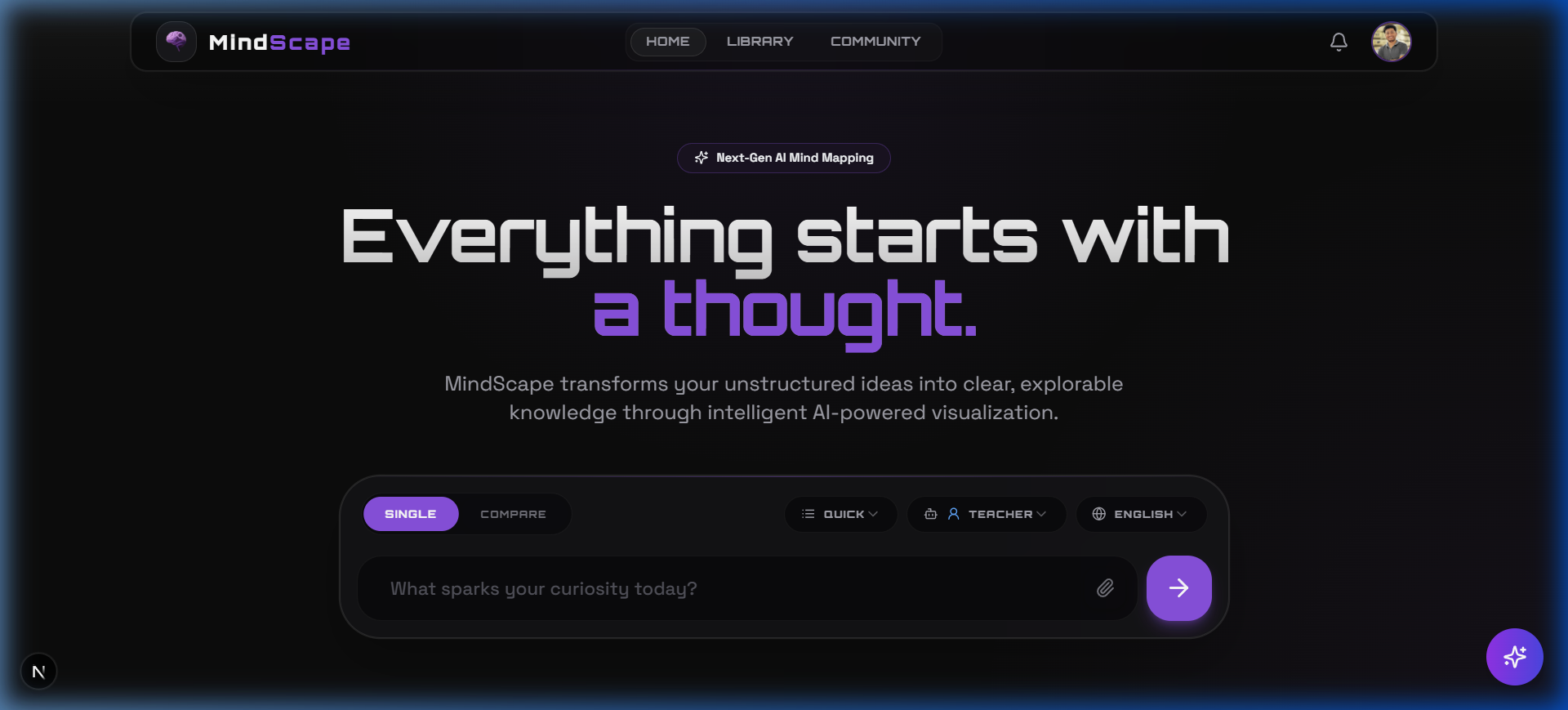
Multi-Source Mode & Auto Depth Intelligence
Merge PDFs, URLs, text, and images into one mind map. AI now auto-selects the ideal depth. New image models, multi-file upload, and a polished source management UI.
Multi-Source Mode
Combine PDFs, URLs, plain text, and images into a single merged mind map. Sources are delimited and fed as unified context to the AI.
Auto Depth Intelligence
A new "Auto" depth option lets the AI analyze your topic and decide whether Low, Medium, or Deep is the ideal exploration level.
Updated Image Model Roster
Dirtberry Pro and FLUX.2 Klein 4B added to the Visual Insight Lab and AI Lab model selectors, matching the current Pollinations free model list.
Source Management UI
New Sources pill list with a context usage progress bar, percentage label, and a Clear All button. Multi-file upload now supports selecting multiple files at once.
This is the biggest input-layer upgrade MindScape has ever received. You can now feed the AI from multiple sources simultaneously, let it decide how deep to go, and manage everything from a polished source panel.
Multi-Source Mode
The new **Multi-Source** mode (marked NEW in the mode selector) lets you combine any mix of PDFs, website URLs, plain text, and images into a single generation. Each source is processed and merged into a `--- SOURCE: label (TYPE) ---` delimited string, giving the AI full context from all your materials at once. A 100,000 character (~25K token) budget ceiling is enforced with a live progress bar so you always know how much context you've used.
Auto Depth Intelligence
Choosing the right depth used to be a manual guess. The new **Auto** option (with a pink Sparkles icon in the depth selector) makes a fast AI call before generation to analyze your topic's complexity. Simple topics like 'Apple fruit' resolve to Quick, moderately complex ones like 'Machine Learning' resolve to Balanced, and vast multi-disciplinary topics like 'Quantum Computing' resolve to Detailed. This works across all generation paths — topic, PDF, text, and website.
Updated Image Model Roster
The Visual Insight Lab dialog and the AI Lab model selector on the profile page now reflect the current free Pollinations model list. Two models were missing and have been added: **Dirtberry Pro** (api.airforce, 650 imgs/pollen, $0.0015/img) and **FLUX.2 Klein 4B** (100 imgs/pollen, $0.01/img). A stale legacy remap (`flux-pro` → `klein-large`) in the profile page was also corrected to properly remap to `flux`.
Source Management UI
The SourcePillList component received several quality-of-life improvements. The header now shows `Sources : {count}` for clarity. A **Clear All** button appears as a pill next to the count, styled subtly and turning red on hover. The context usage progress bar now includes a percentage label at the right end, color-matched to the bar's fill state (green → amber → red as you approach the limit).
Multi-File Upload
The hidden file input in Multi-Source mode now has the `multiple` attribute, allowing you to select several PDFs, images, or text files in a single file picker dialog. Each file is processed and added as a separate source automatically.
Scroll & Layout Fix
Multi-Source mode previously locked the page scroll, making the source pill list unreachable on smaller screens. The root wrapper now switches between `overflow-hidden` (single/compare) and `overflow-y-auto` (multi) based on the active mode, and the body overflow lock is keyed to the same state.